
Zero Trust Authentication Solution for Enterprise Security
An employee opening a finance dashboard from a managed laptop and a contractor requesting the same system from an unknown device should not receive identical treatment. A Zero Trust Authentication Solution evaluates identity and access conditions before a protected resource opens.
Apply Zero Trust Authentication to Every Access Request
Zero Trust Authentication makes access a policy decision rather than a one-time gateway into the network. A username, device, location, or earlier session receives no implicit trust. The system checks the identity, authentication method, and requested resource. It can preserve an approved session for routine work while requesting a new check for higher-risk access.
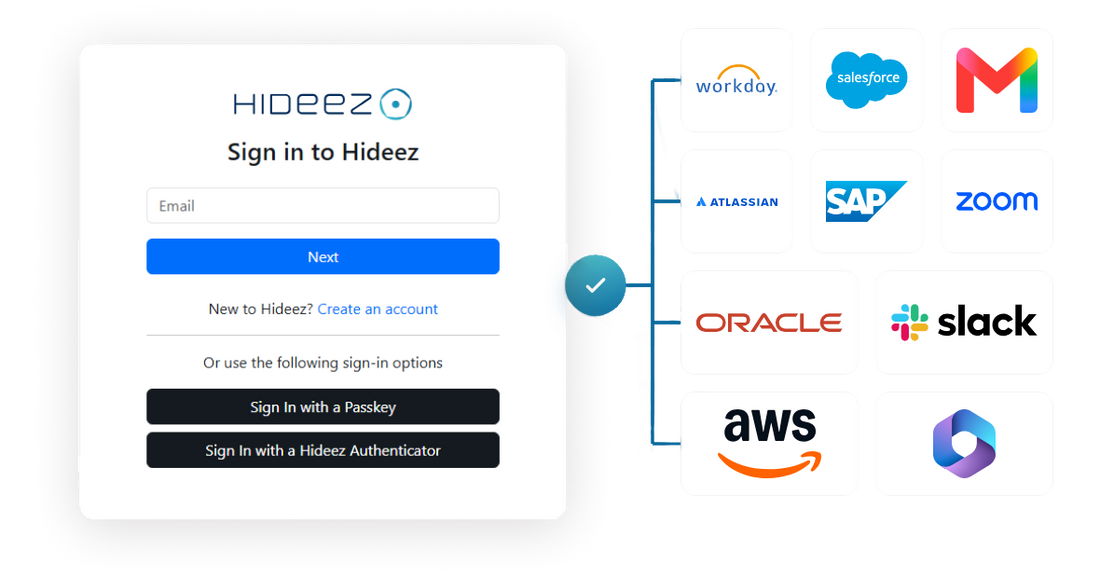
For the business, a compromised account is less likely to provide broad access beyond the resources explicitly permitted by policy. Hideez helps enterprises apply passwordless verification and centralized policies across cloud services, Windows workstations, and legacy environments.
How Zero Trust Authentication Works
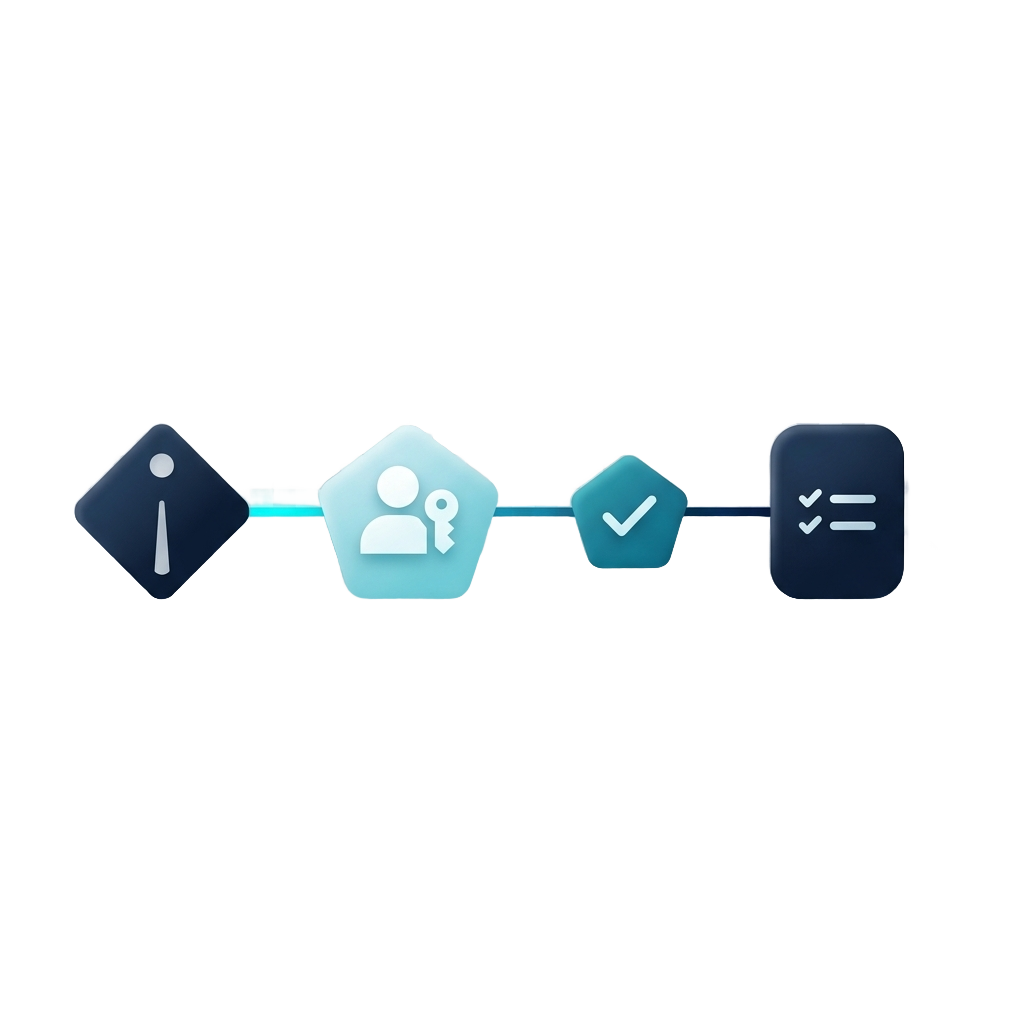
A basic decision flow looks like this:
- A user selects a protected resource.
- The identity provider confirms the user.
- Policy considers the authenticator, device, and resource.
- The request proceeds only if every required condition is satisfied.
- The decision is recorded for security and audit review.
Changed risk may trigger another check. Endpoint health and EDR status require compatible security tools.
Use Passwordless Authentication in a Zero Trust Model
Passwordless authentication for Zero Trust removes the reusable credential behind phishing and credential stuffing. Passkeys and FIDO2 keys answer a cryptographic challenge instead of transmitting a secret. These methods strengthen authentication with fewer manual steps but do not replace authorization, recovery, endpoint controls, or monitoring.
Confirm Users and Devices Before Providing Access
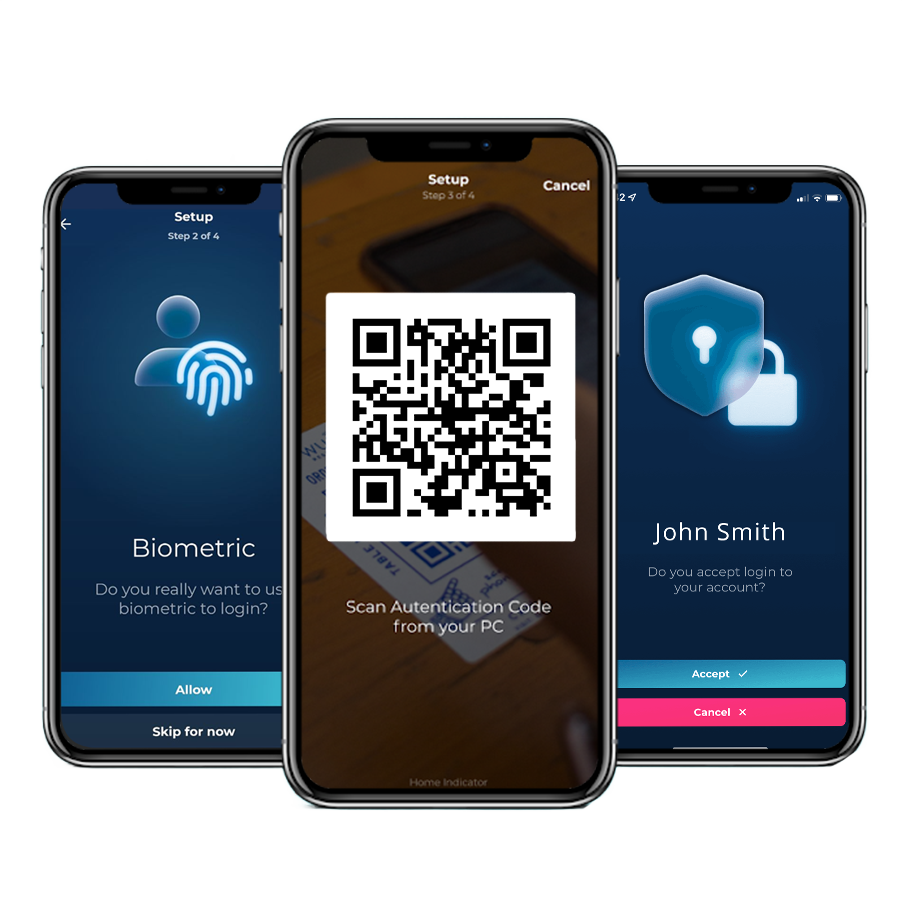
Zero Trust device authentication establishes that a request uses an enrolled authenticator or approved workstation. Hideez lets IT register Windows computers, manage authentication methods, and disable a lost phone or key. Patch, encryption, and compliance checks still require endpoint security tools. Hideez desktop MFA strengthens supported Windows sign-ins.
This distinction prevents authentication records from being mistaken for a complete device-health assessment.
Apply Zero Trust Access to Enterprise Applications
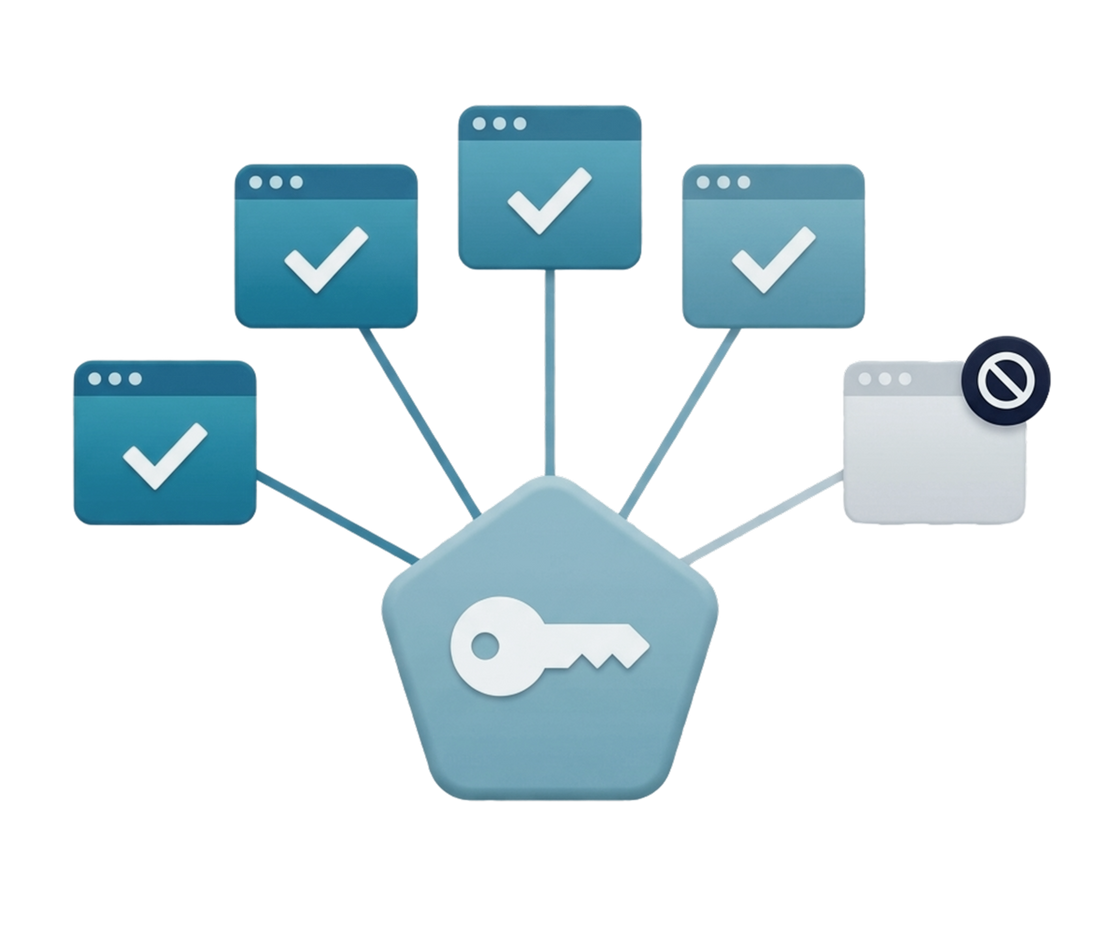
The same policy can cover cloud platforms, internal applications, sensitive resources, and remote services. Modern applications connect through SAML 2.0 or OpenID Connect, while FIDO2/WebAuthn services can accept phishing-resistant authentication directly. SSO passes a confirmed identity to permitted applications, while policy decides what it may open. Hideez passwordless authentication and SSO reduces repeated prompts without removing restrictions.
Secure Your Workforce Across Every Access Scenario

Workforce Authentication
Employees use approved methods under workforce identity and access rules.

Remote Workforce
Policy evaluates remote users by identity and access conditions, not location alone.

Shared Workstations
Each worker opens an individual session on supported shared PCs.

Privileged Access
Sensitive roles can require stronger authenticators and narrower permissions. PAM may still be necessary.
Key Benefits of Zero Trust Authentication
- Makes stolen and phished passwords less useful.
- Replaces network-based assumptions with explicit access decisions.
- Applies one authentication policy across connected resources.
- Records access decisions for investigations and audits.
- Supports passwordless login without weakening authorization.
- Lets IT disable lost authenticators centrally.
- Adds stronger requirements for sensitive roles and resources.
- Works alongside existing identity and endpoint security products.

Build the Authentication Layer of Zero Trust With Hideez
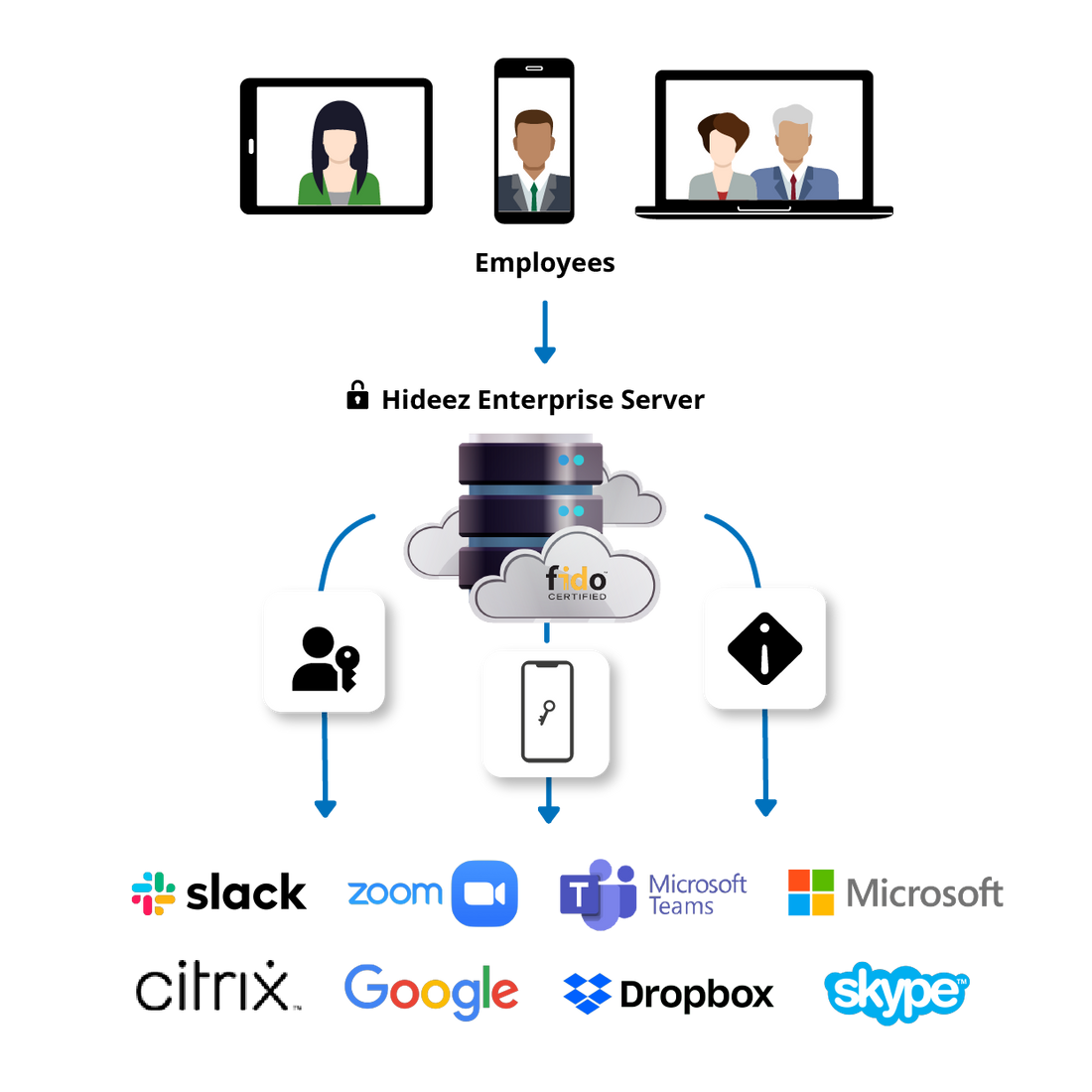
Hideez provides the authentication component of an Enterprise Zero Trust Solution. Hideez Server brings users, authenticators, integrations, workstation rules, and audit data into one cloud, private-cloud, or on-premises environment.
Organizations can combine passkeys, FIDO2 keys, Hideez Authenticator, SSO, Windows access, and protection for compatible legacy web applications. Existing tools remain responsible for endpoint compliance, segmentation, and threat detection.
Compatible identity providers and application integrations can remain in place during deployment.
FAQ
What does Zero Trust Authentication mean?
It means checking identity and policy instead of treating location or an earlier session as proof.
Can a Zero Trust model eliminate passwords?
Yes. Passkeys and FIDO2 keys verify users without a reusable password.
What role does passwordless authentication play in Zero Trust?
It removes a phishable credential. Authorization, recovery, and monitoring remain necessary.
How does Zero Trust go beyond traditional MFA?
MFA verifies factors. Zero Trust also evaluates identity, context, and the resource.
How do Zero Trust Authentication and SSO work together?
The identity provider verifies the user, and SSO passes that identity to permitted applications.
Which organizations benefit from Zero Trust Authentication?
It suits businesses with remote users, cloud services, shared PCs, or sensitive resources.
See Zero Trust Authentication on your own stack
Book a demo or get a quote to see how Hideez applies passwordless verification and Zero Trust policies across your users, devices, and applications.