
Hideez AuthShield: Passwordless MFA & SSO for Legacy Applications
Bring secure SSO for legacy applications and passwordless MFA to on-premises web apps that modern IAM platforms cannot reach. Hideez AuthShield works as a secure access gateway, helping businesses modernize authentication without rebuilding or replacing critical applications.

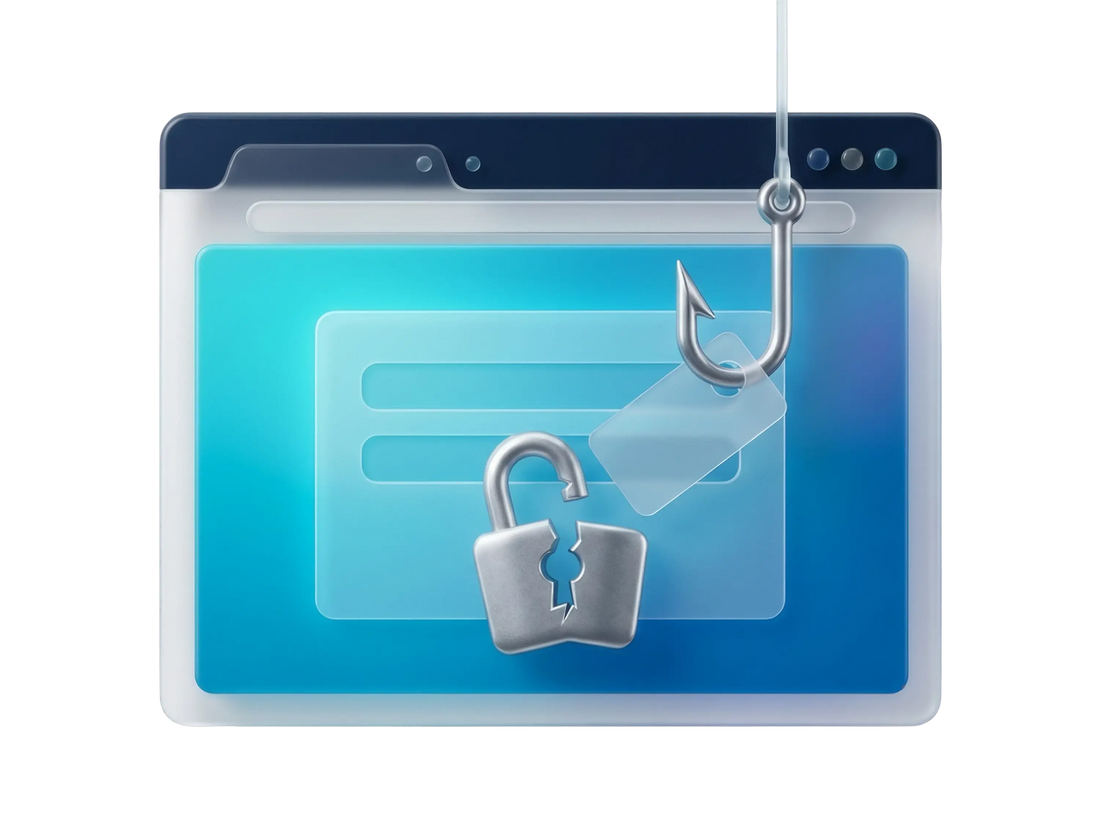
Why Legacy Applications Need Modern MFA and SSO
Many business-critical applications were developed before current identity and authentication standards became widely available. As a result, they may not connect to modern IAM platforms or support SSO, MFA, or passwordless access without extensive development.
- Legacy apps cannot connect directly to modern IAM or SSO
- Adding passwordless MFA may require significant development
- Replacing a critical application may be costly or impractical
- Manual passwords remain vulnerable to phishing and credential theft
What Is Hideez AuthShield?
Hideez AuthShield is an authenticating reverse proxy and an authentication solution for legacy applications that cannot natively connect to modern identity infrastructure. It functions as a secure access gateway, bringing MFA for legacy applications, passwordless authentication, and single sign-on to compatible web systems through Hideez Enterprise Server.
Users verify their identity through Hideez before reaching the protected application. The application credentials are stored on Hideez Enterprise Server and submitted server-side, so employees do not need to view, copy, or enter them in the browser.
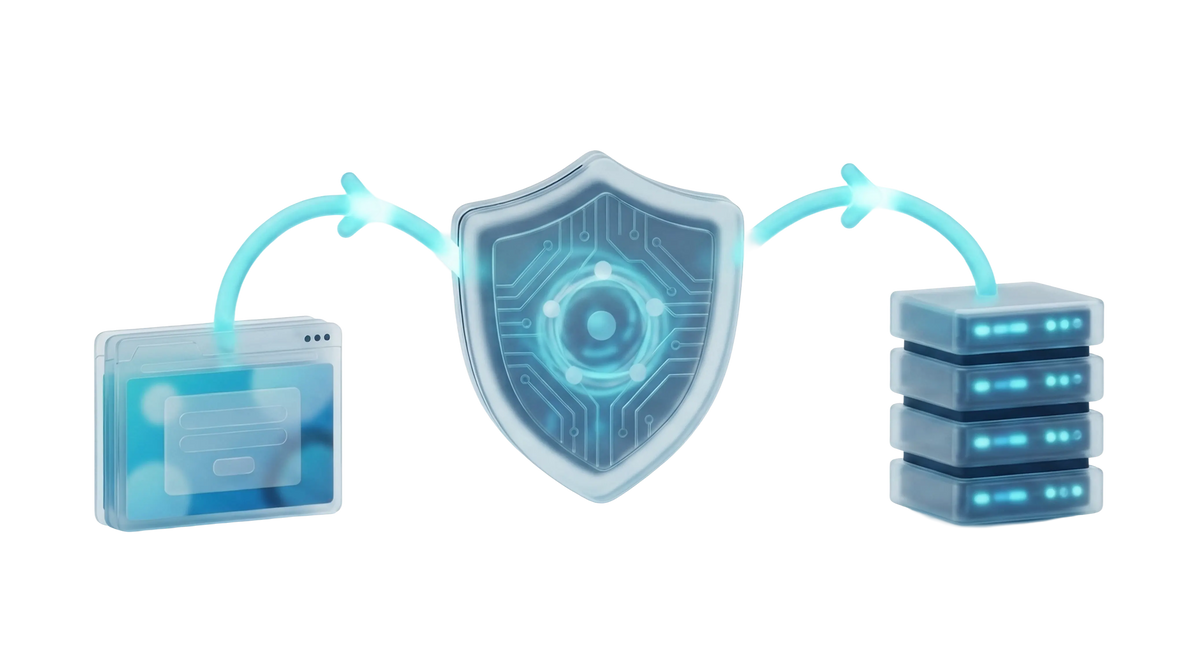
A Secure Access Gateway Between Your Users and Applications

Intercept
AuthShield receives the user’s sign-in request before it reaches the protected legacy application.
Authenticate
The user is verified through Hideez Enterprise Server using passwordless, phishing-resistant MFA over OpenID Connect.
Retrieve
AuthShield securely retrieves the application credentials assigned to the user from Hideez Enterprise Server.
Sign in
The credentials are submitted to the protected application server-side without requiring the user to enter or copy them.
Redirect
Once the application session has been created, the user is redirected to the requested resource.
This process gives employees a modern authentication experience while allowing the existing application to continue using its original sign-in mechanism.
Works with your identity stack
AuthShield complements the identity and access tools your organization already uses. It connects compatible legacy applications to the Hideez platform while allowing businesses to retain their existing directories, identity providers, and authentication policies. The exact integration depends on the identity environment, application architecture, and deployment requirements. Compatibility is evaluated before implementation.






Modern Authentication for Legacy Apps Without a Rebuild

Passwordless MFA for Legacy Apps
Add phishing-resistant MFA for legacy apps that do not support modern authentication standards. Users complete an approved passwordless verification method instead of entering an application password or one-time code.

Credentials Secured on HES
Application credentials are stored centrally and supplied server-side when access is approved. They are not displayed to users or entered through the browser, reducing exposure to phishing, accidental sharing, and browser-based credential capture.

OIDC-Based Authentication
AuthShield uses OpenID Connect to communicate with Hideez Enterprise Server. This standards-based approach allows the solution to work alongside supported identity providers and existing access infrastructure.

Nginx / Microsoft IIS Reverse Proxy
AuthShield can be deployed as a hardened front-end layer running under Nginx or Microsoft IIS. It is typically placed in the organization’s DMZ, separating external access from the protected back-end application.

Support for Multiple Applications
Each protected application uses its own AuthShield instance. Multiple instances can run on the same host using separate ports, allowing an organization to extend protection to several compatible legacy systems.

Adapted to Your Application
The Hideez team configures AuthShield for the authentication flow of the target application. This enables businesses to modernize access without undertaking a full application rebuild, subject to technical compatibility.
Access With and Without Hideez AuthShield
| Without AuthShield | With AuthShield | |
|---|---|---|
| Sign-in | Password + one-time code | Passwordless, phishing-resistant MFA |
| Credential exposure | Credentials entered through the browser | Credentials stored on Hideez Enterprise Server and submitted server-side |
| Application changes | Custom development, rebuild, or replacement may be required | Existing application generally remains unchanged |
| Central identity & MFA | Often unavailable | Managed through the Hideez platform |
| User experience | Separate login for each application | Simplified authentication and SSO |
| Implementation | May require a long development project | Proxy configured for the target application |
Where Teams Deploy AuthShield

Legacy and In-House Web Applications
Protect custom or vendor-provided applications that cannot directly integrate with current IAM platforms and are not practical to rebuild.

On-Premises Internal Portals
Add stronger authentication to intranet, back-office, and operational web applications that remain inside the organization’s infrastructure.

During an IAM Migration
Keep legacy systems protected and available while modern applications and users are gradually moved to a new identity platform.

Regulated or Restricted Environments
Keep application credentials on Hideez Enterprise Server and apply centralized authentication policies in environments with specific security, audit, or data-control requirements.
Part of the Hideez Workforce Identity Platform
AuthShield is one component of the Hideez Workforce Identity platform. It works with other Hideez products to provide centralized authentication and access management across business applications and workstations.

Hideez Server is the control center of the platform. IT teams can manage users, authenticators, application integrations, credentials, workstation policies, and audit records from one administrative console.
Provision and deprovision users, rotate credentials, and enforce policies across every connected app and workstation from one place.
See who signed in, where, and when, with exportable logs that support your compliance and security reviews.
Run as SaaS, private cloud, or on-premises to meet your data-residency and regulatory requirements.

Hideez Authenticator turns a compatible smartphone into a secure authentication tool. Employees can use it to verify access to Windows workstations and business applications without entering a reusable password.
Unlock Windows PCs with a phone tap instead of a typed password.
The workstation locks automatically when the paired phone moves out of range.
Fast, personal sign-in on shared workstations in healthcare, manufacturing, and retail.
Passkeys provide phishing-resistant authentication based on FIDO2 and WebAuthn. Instead of submitting a shared secret, the user verifies access with a cryptographic credential protected by a device PIN, biometric check, or compatible security key.
Public-key credentials can't be reused or captured by fake sign-in pages.
Users sign in with the fingerprint or face unlock already on their device.
Built on FIDO2 / WebAuthn, so it works with modern browsers and identity providers.
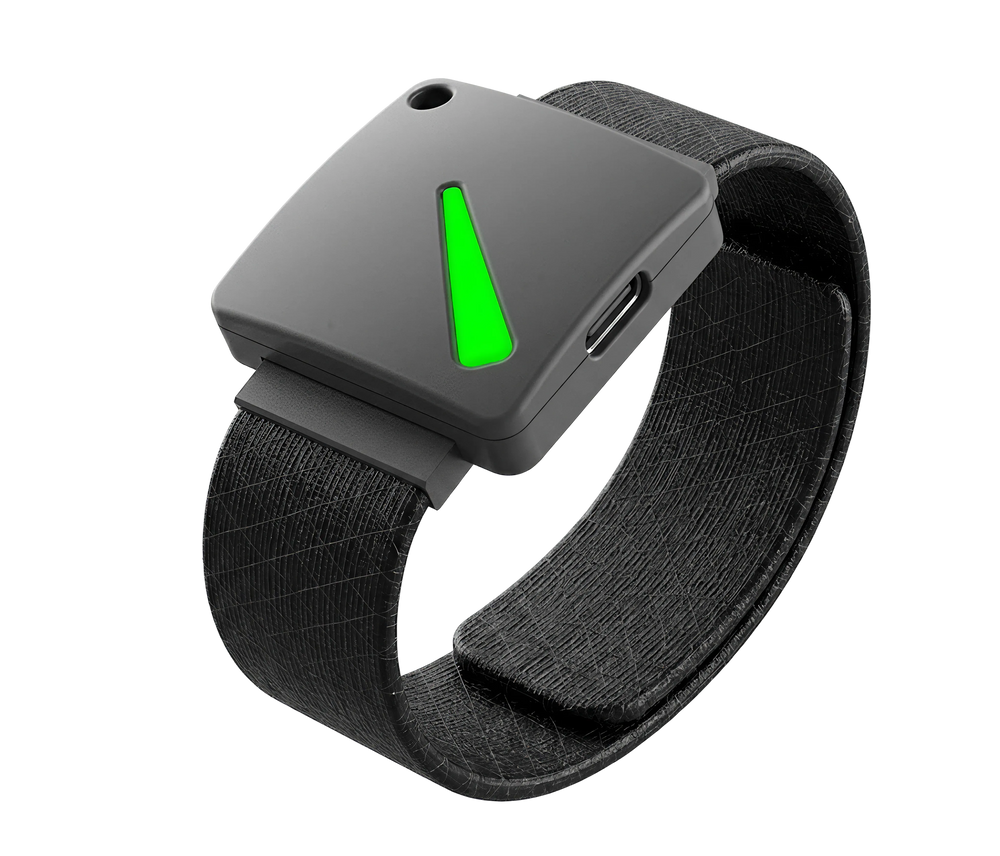
Hideez Key devices combine FIDO2 authentication with USB, NFC, Bluetooth, and RFID capabilities. They are suitable for environments where employees cannot or should not use smartphones.
A hardware key for secure areas where smartphones are restricted.
One credential for app login and RFID door entry.
Issue and revoke access without provisioning a full device.
Hideez Partner Program
Designed for VADs, system integrators, and managed service providers in IT security.
BECOME A PARTNERModernize Legacy Access Without Rebuilding Your Applications
AuthShield adds SSO, passwordless MFA, and server-side credential handling to compatible legacy web applications without replacing them. Protect critical apps, reduce password exposure, and manage authentication through Hideez Enterprise Server.
FAQs
Do we have to modify our application?
No. AuthShield runs in front of your app as a reverse proxy — the application itself stays untouched. There is no code change or rebuild.
Which applications are supported?
Any legacy web application. AuthShield is intended for legacy and on-premises web applications that cannot natively integrate with modern IAM, SSO, or MFA. Because authentication flows differ, Hideez evaluates each application before confirming compatibility.
Where is AuthShield deployed?
AuthShield is deployed on a separate host, typically in the organization’s DMZ, and can run under Nginx or Microsoft IIS. The specific architecture depends on the protected application and the organization’s network requirements.This setup helps keep the back-end application off the public internet.
How are credentials protected?
Application credentials are stored on Hideez Enterprise Server and submitted to the application server-side. They are not displayed to the user or entered through the browser, which reduces exposure to phishing, copying, and browser-based credential capture.
Can it cover multiple applications?
Yes. One AuthShield instance is configured for each application, and multiple instances can run on the same host using separate ports. Each application must be assessed and configured individually.
How does AuthShield handle security and compliance?
AuthShield reduces credential exposure by centralizing authentication and keeping application credentials out of the user-facing login flow. OIDC-based authentication, audit records, and deployment within the organization’s controlled infrastructure can support broader security and compliance programs. Compliance ultimately depends on the organization’s complete technical and administrative controls.
How is AuthShield licensed?
AuthShield is an optional add-on to Hideez Workforce Identity. It is licensed per protected legacy web application and billed annually in addition to applicable Hideez user licenses. Contact Hideez for a quote based on your deployment.
How does AuthShield integrate with our existing identity provider?
AuthShield connects legacy applications to Hideez Enterprise Server, which works with supported identity directories and providers. Requirements depend on your identity environment and application architecture.
What authentication methods does AuthShield support?
AuthShield supports methods available through Hideez, including passkeys, FIDO2 security keys, and Hideez Authenticator. IT can apply authentication policies by user role and application.
Can AuthShield be used during an IAM migration?
Yes. AuthShield can protect compatible legacy apps while other services move to a new IAM platform, keeping critical applications available with stronger access controls during the transition.
Bring modern authentication to the apps you can't replace
Extend passwordless SSO and MFA to compatible legacy web applications without undertaking a complete rebuild. Hideez can assess your application, identity environment, and deployment requirements to determine the appropriate implementation.