
Phishing-Resistant MFA Solution for Modern Enterprises
A second login step does not automatically stop phishing. Attackers can relay codes, steal sessions, or pressure employees to approve fraudulent prompts. Phishing-resistant MFA changes the protocol itself, using cryptographic credentials that work only with the legitimate service.


What Is Phishing-Resistant MFA?
Phishing-resistant authentication prevents a credential from being presented to an impostor and reused against the real service. FIDO2/WebAuthn binds a cryptographic response to the legitimate website or relying party, leaving no password or code to reveal. SMS, TOTP, email codes, and conventional push approvals remain phishable. NIST and CISA recognize FIDO2/WebAuthn and appropriate PKI-based authentication as phishing-resistant methods.
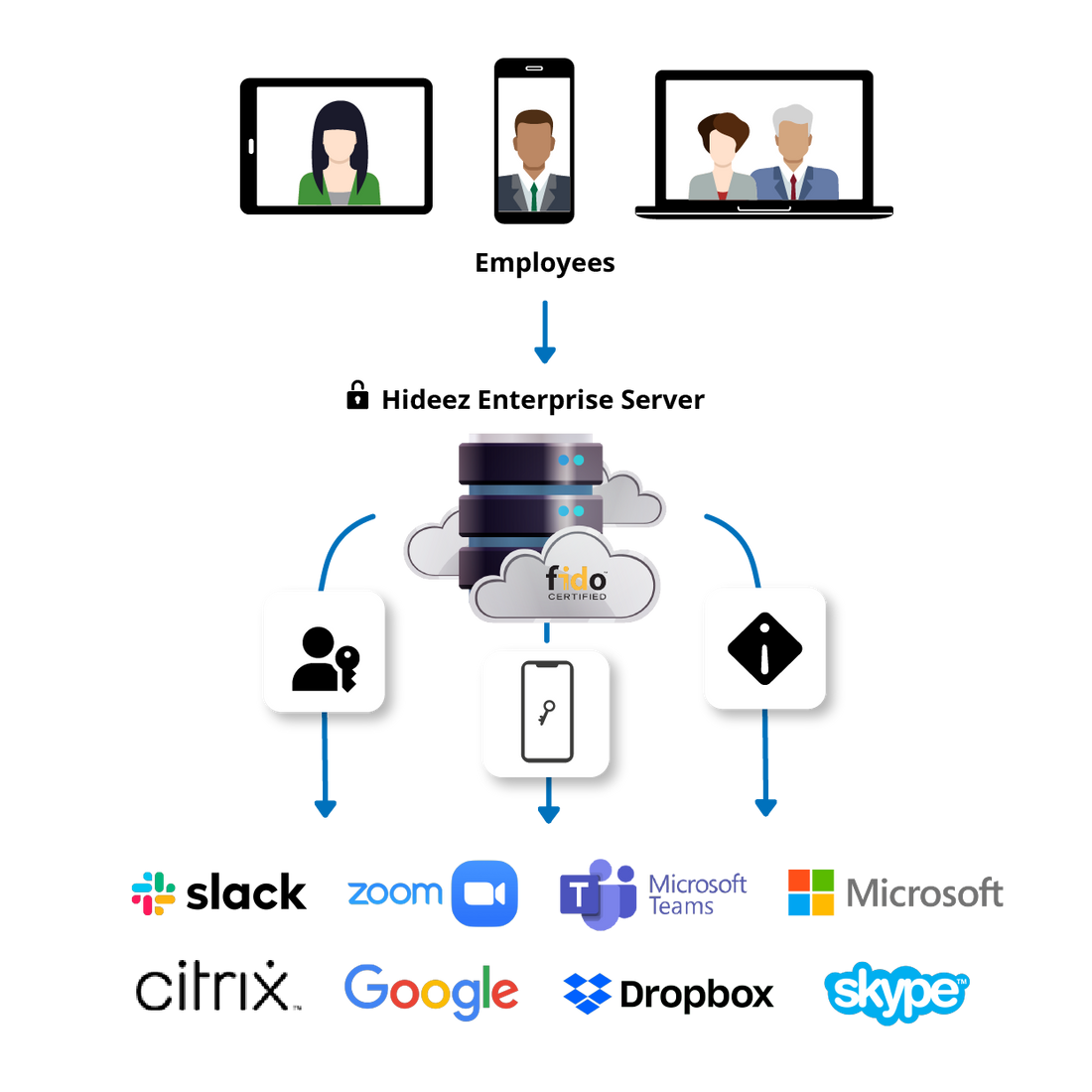
Hideez helps enterprises deploy these methods across supported applications, identity providers, and workforce access scenarios. Explore how Hideez can strengthen workforce access with phishing-resistant MFA.

Why Businesses Need Phishing-Resistant Authentication
Traditional MFA reduces risk, but several common attack paths remain:
- Adversary-in-the-middle phishing. A fraudulent site can relay a password and OTP to the legitimate service in real time.
- Push fatigue. Repeated requests may persuade a user to approve an attack simply to stop the notifications.
- Credential reuse. Many MFA deployments retain a password that can still be stolen or used elsewhere.
- High-value account targeting. Administrators, finance teams, and executives face focused attacks designed to bypass basic MFA.
- Recovery weaknesses. A strong authenticator provides little protection if help desk or fallback procedures restore access through a phishable method.
- Operational cost. Compromised credentials lead to resets, investigations, lockouts, and lost working time.
A phishing-resistant MFA solution reduces these risks by removing reusable secrets and binding authentication to the intended service.
How Does It Work?
A FIDO2/WebAuthn flow follows these steps:
- The service sends a challenge to a registered authenticator.
- The authenticator verifies the service and requests a PIN, biometric check, or physical action.
- A protected private key signs the challenge. The private key is not sent to the service.
- The service verifies the response with the corresponding public key.
- Access is granted only when the response meets policy.
The response cannot be separated from its intended service and replayed on another domain. Organizations must still protect sessions, enrollment, devices, and recovery.
Phishing-Resistant MFA vs. Traditional MFA
| Traditional MFA: SMS, OTP, Push | Phishing-Resistant MFA: FIDO2/WebAuthn | |
|---|---|---|
| Fake login page | May capture or relay a code | Cannot obtain a valid response for the real service |
| Push fatigue | Possible with approval prompts | Not used in the FIDO2 flow |
| Reusable secret | Password often remains | No password is required |
| Service binding | Usually absent | Cryptographically bound to the service |
| User action | Type a code or approve a prompt | Use a PIN, biometric check, or security key |
| Recovery | Often falls back to password or OTP | Requires a controlled re-enrollment or backup authenticator |
Hideez Phishing-Resistant MFA Methods
Hideez supports FIDO2/WebAuthn passkeys and FIDO-certified security keys as phishing-resistant methods.

Passkeys
A platform or managed authenticator protects the private key and unlocks it through a PIN or biometric check.

Hardware security keys
Hideez Keys and other supported FIDO2 devices keep credentials in dedicated hardware for privileged users or phone-restricted workplaces.

Federated access
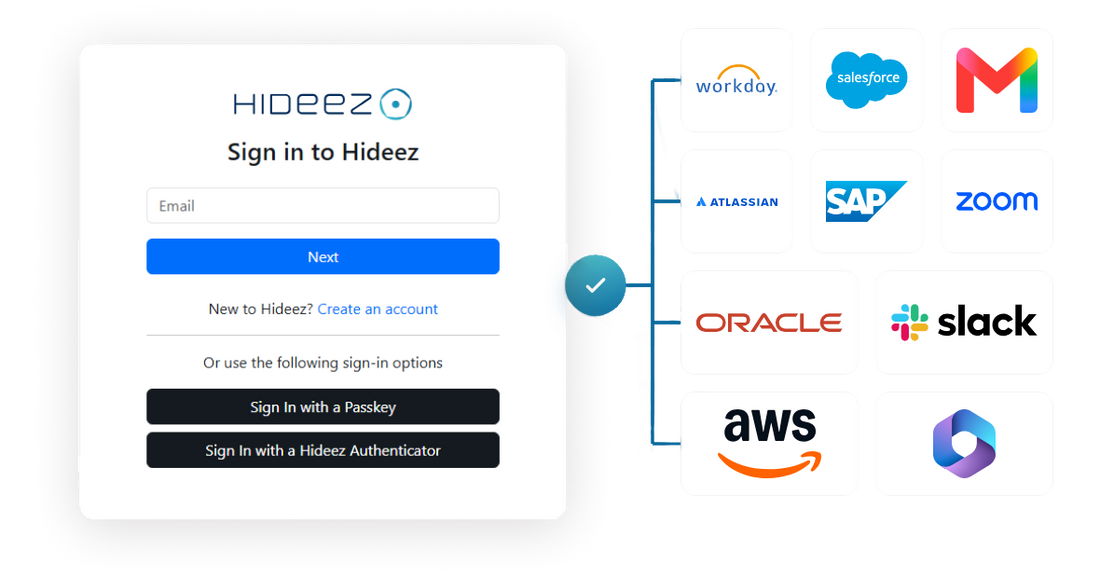
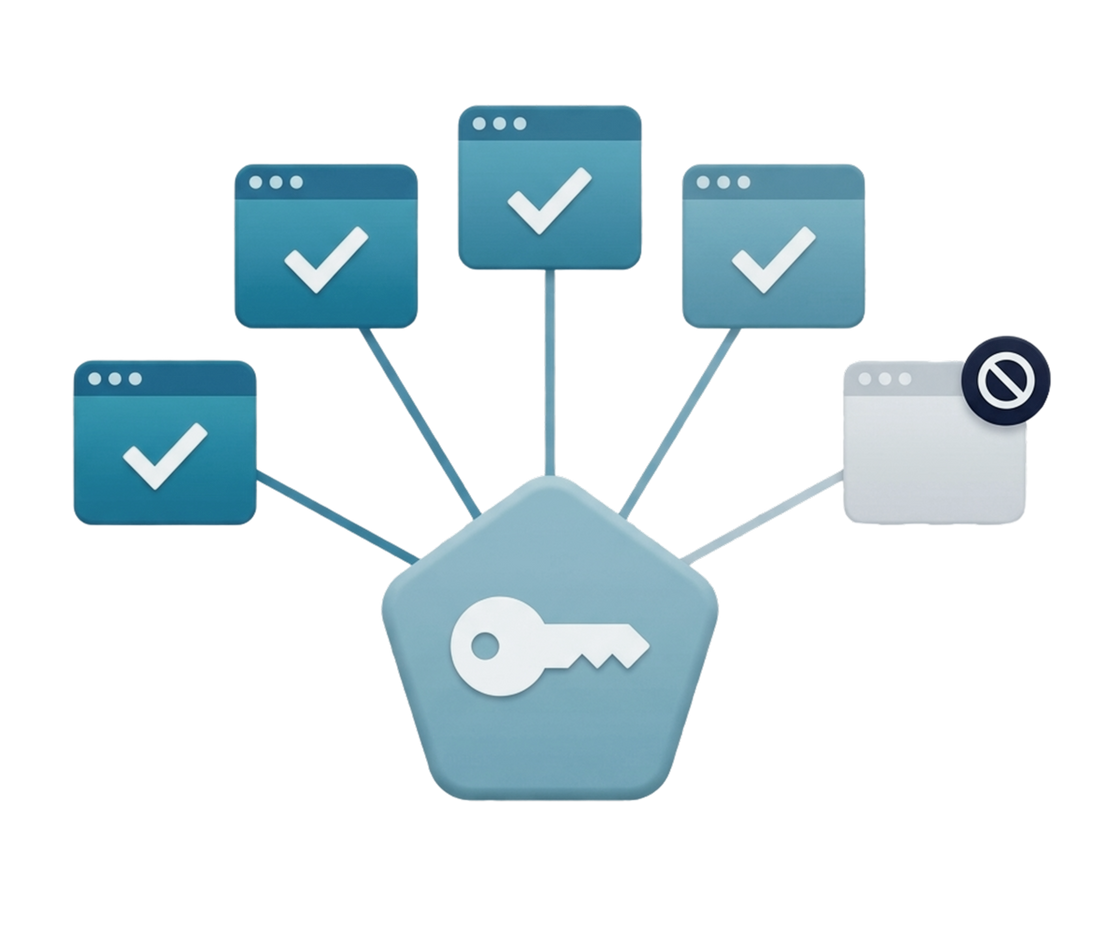
Users authenticate to a compatible identity provider with FIDO2/WebAuthn and reach authorized applications through SSO.
Hideez Authenticator uses a separate passwordless protocol and is not formally classified as phishing-resistant MFA by NIST/CISA. Desktop MFA covers Windows login, but phishing resistance depends on the protocol. Hideez does not unlock Linux or macOS devices.
Key Benefits of Phishing-Resistant MFA
- Prevents fake domains from collecting a reusable authentication response.
- Removes password reuse, OTP relay, and push-fatigue risks from FIDO2 flows.
- Gives employees a faster login without manually entering codes.
- Supports centrally managed user and authenticator lifecycles.
- Strengthens access to cloud services and high-value accounts.
- Reduces password reset workload.
Phishing-Resistant MFA for Enterprise
The purpose of phishing resistant MFA for enterprise deployment is consistent control across users, authenticators, applications, and recovery. IT must know who enrolled each credential, where it works, and how it is revoked.
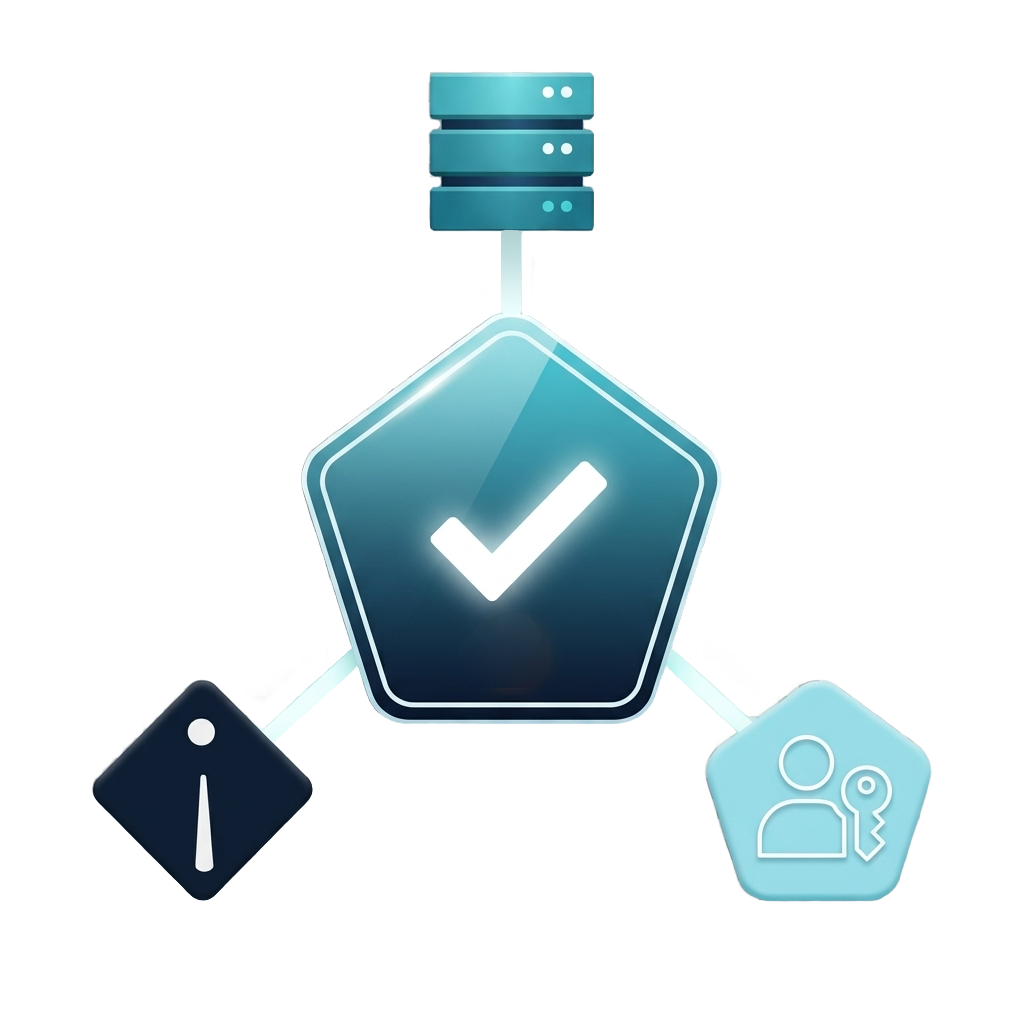
Hideez Server centralizes users, FIDO authenticators, integrations, and audit visibility. Organizations can begin with high-risk groups and expand gradually. Recovery should provide assurance comparable to the primary login; an unrestricted password or OTP fallback preserves a phishing path.
When evaluating phishing resistant MFA for business, companies should compare application compatibility, identity providers, authenticators, device restrictions, and recovery requirements.
Integrate With Your Existing Infrastructure
A secure MFA solution should complement the existing identity environment. Hideez supports verified integrations using SAML 2.0, OpenID Connect, FIDO2/WebAuthn, and supported directory scenarios.
WebAuthn applications can register passkeys or security keys directly. Other applications can rely on a compatible identity provider through SSO. Legacy web systems may require Hideez AuthShield or another gateway.
Organizations comparing phishing resistant MFA software should confirm every application, operating system, and authenticator combination. Hideez supports cloud, private-cloud, and on-premises deployment but cannot make an incompatible application FIDO-ready without integration.
Use Cases for Phishing-Resistant MFA

Privileged access
Hardware-backed credentials protect accounts with broad permissions.

Finance and executive teams
FIDO2 reduces exposure to targeted phishing and push-fatigue campaigns.

Remote employees
Users authenticate securely without relying on office network location.

Shared workstations
Portable security keys can provide individual access on supported shared devices.

Cloud applications
Passkey authentication at the identity provider can extend through SSO.

Restricted environments
Hardware keys support production, healthcare, and laboratory settings where phones may be prohibited.

Regulated workloads
Cryptographic authentication can support stronger access requirements.
Security and Compliance
Phishing-resistant multifactor authentication supports programs aligned with NIST digital identity guidance and CISA recommendations for FIDO/WebAuthn. It can also support authentication controls in regulatory frameworks.
FIDO2 does not create compliance automatically. Organizations still need identity proofing, enrollment, recovery, access reviews, logging, and incident response. Compliance depends on the full control environment.
Why Choose Hideez for Phishing-Resistant MFA?
Hideez combines FIDO2 passkeys, supported security keys, identity-provider integrations, SSO, and centralized administration. Other approved methods can remain where FIDO2 is unavailable.
Through passkeys for passwordless login, Hideez provides passwordless phishing resistant authentication for compatible services. Hardware keys extend FIDO2 to users who need a dedicated authenticator. Hideez also supports mobile authentication, Windows access, and legacy web applications while distinguishing formally phishing-resistant methods from other passwordless options.
This combination makes Hideez a practical enterprise platform rather than a single-purpose authentication tool.
FAQ
Why is traditional MFA vulnerable to phishing?
SMS and TOTP codes can be relayed, while fraudulent push requests may be approved. None is cryptographically bound to the legitimate service.
What authentication methods does Hideez support?
Hideez supports FIDO2/WebAuthn passkeys, security keys, Hideez Authenticator, SSO, and Windows authentication. FIDO2/WebAuthn provides formal phishing resistance.
Can I use it with my existing identity provider?
Yes, when the provider and authentication method are supported. Confirm compatibility with the relevant application, system, and authenticator.
Does it support passwordless login?
Yes. Passkeys and FIDO2 keys provide passwordless, phishing-resistant login for compatible services.
Is it suitable for enterprise deployments?
Yes. Central management, application integrations, and audit visibility support phased or company-wide rollout.
How is it deployed?
IT selects a deployment model, connects supported identity infrastructure, configures policies, and enrolls approved authenticators. A pilot validates compatibility and recovery.
See phishing-resistant MFA on your own stack
Book a demo or get a quote to see FIDO2 passkeys and security keys secure your applications.