
Passwordless Identity & Access Management for Healthcare
Give clinicians secure access to workstations, connected EHR systems, and buildings. Hideez brings healthcare identity and access management into daily care, reducing the time staff spend entering passwords at shared computers.

Healthcare identity and access management challenges
Clinical workflows put specific demands on healthcare IAM, from repeated logins to access across older medical software.

Slow clinical logins
Repeated password entry at each workstation interrupts care. Staff need quick access as they move between patients, rooms, and clinical applications.

Shared workstation risks
An unattended session can expose patient records or let someone act under another employee's account. Shared computers need clear user attribution.

Legacy system access
Older EHR systems may lack SAML or OIDC support. Connecting them to modern authentication requires an integration suited to the application.

Access control and compliance
Patient data protection requires controlled access and records of who signed in. IT teams need to enforce policies and produce evidence for security reviews.
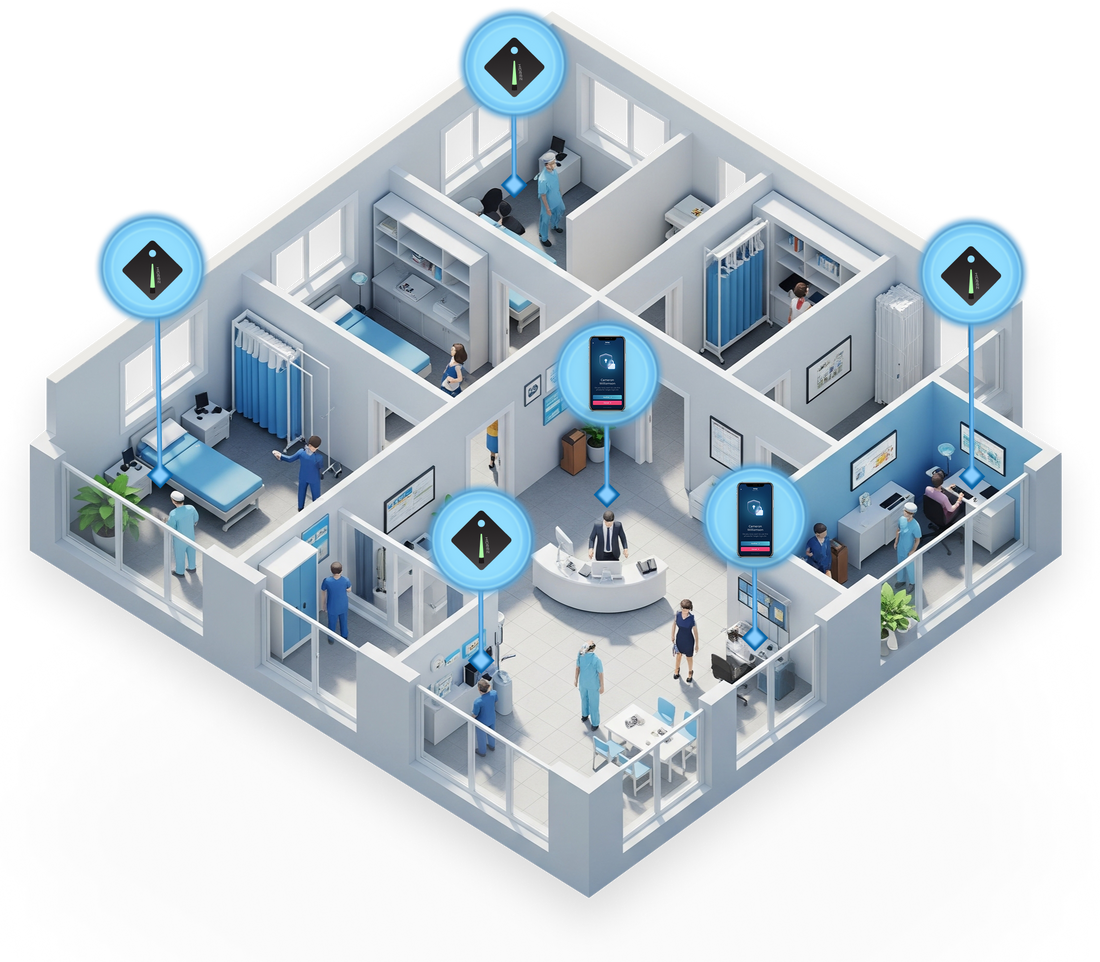
Achieve complete workflow automation in medical facilities
Hideez streamlines healthcare workforce identity management, helping medical staff move between shared workstations and clinical applications without repeatedly entering credentials. In operating rooms, sterile areas, and busy hospital departments, employees can access the systems they need while IT teams maintain control over authentication and user sessions.
- Faster transitions between clinical workstations
- Convenient authentication in busy and restricted environments
- Clear user attribution and access traceability

Why Hideez?
Our approach to IAM for hospitals supports doctors, nurses, and administrative teams working with EHRs, prescriptions, and patient records.
- Directory integration. Connect Active Directory or Microsoft Entra ID to synchronize users and keep healthcare identity management aligned with your existing directory.
- Free trial and proof of concept. Validate workstation access, application compatibility, and staff workflows in your clinical environment before a wider rollout.
- Support for security requirements. Strong authentication, automatic workstation locking, and access logs help your organization implement and review safeguards for patient information.
Healthcare IAM capabilities by Hideez
The Hideez healthcare IAM (identity and access management) platform connects workstation access, application sign-in, and administration.

Access to shared workstations
Support personal sign-in on shared Windows workstations, including closely spaced devices, supported offline scenarios, and remote access through RDP.

Enterprise SSO
Give staff single sign-on to SAML and OIDC applications. Extend access to compatible legacy web software through Hideez AuthShield.

Flexible deployment
Deploy your healthcare IAM software on premises, in a dedicated private cloud, or in a multitenant cloud environment hosted in the US or Europe.

Passwordless authentication
Let staff use passkeys, FIDO2 security keys, or Hideez Authenticator app for supported sign-in flows. Choose methods that fit each role and workplace.

Proximity-based security
Lock Windows workstations when an employee's enrolled phone or Hideez Key moves out of range. Configure proximity settings for the working environment.

Centralized access management
Keep healthcare identity management under central control with workstation policies, authentication settings, and access logs for IT review.
Explore our passwordless authentication tools
The Hideez healthcare IAM solution supports hardware keys, the mobile app, and passkeys, so teams can choose the right method for each role and clinical setting.

Simplify daily workflows without relying on a patchwork of separate tools. Hideez provides secure access from building entry to workstation logoff, helping hospitals save time and work more efficiently.
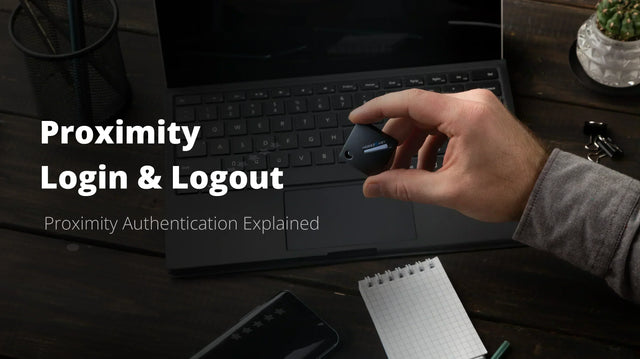
Hideez Key supports proximity-based login for shared Windows endpoints, allowing users to sign in based on distance, even where workstations are placed close to one another.
EHR systems launch automatically after sign-in to a Windows device, using the credentials of the specific employee.
Hideez Key functions as a hardware password manager. It stores up to 1,000 logins, passwords, and one-time passwords, making it easier to access legacy systems that still rely on traditional credentials.
When a user moves beyond a set distance, the workstation locks automatically. This reduces the risk of unauthorized access and supports HIPAA-aligned security practices.
Hideez Key can also replace smart cards for RFID and NFC-based building access, helping healthcare organizations simplify and streamline physical access control.

Turn personal smartphones into secure authentication devices with biometric protection. Mobile authentication gives healthcare teams a practical way to provide fast, secure access without added hardware for every user.
Staff sign in by scanning a dynamic QR code, tapping the phone on an NFC sticker, or pressing Unlock in the mobile app when near the workstation.
Medical staff can sign in to web applications by scanning a QR code from the Hideez login page.
The Hideez Authenticator app uses Bluetooth proximity to detect when an employee leaves their workstation. The computer locks automatically when the smartphone moves out of the configured range, helping protect patient information without requiring staff to manually lock the screen.

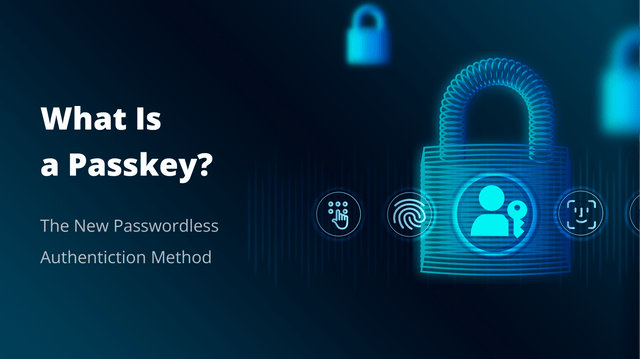
Staff sign in to supported web services with a passkey, confirming access through a fingerprint, Face ID, or a device PIN. The biometric check happens locally; the service does not receive biometric data.
Passkeys use cryptographic credentials bound to the legitimate service, so a lookalike website cannot use them to authenticate to the real one. With user verification enabled, possession of the authenticator plus a local PIN or biometric check provides multi-factor authentication without a password or one-time code.
Use Hideez Key or compatible third-party FIDO2 security keys, including Yubico, for passkey sign-in. Hardware keys give staff a portable option for supported services, including workplaces where phones are restricted.
Hideez vs Imprivata vs Gatekeeper
 |
 |
 |
|
|---|---|---|---|
| Self-hosted / on-prem deployment | Yes | Yes | Yes |
| Acts as IdP for passwordless SSO | Yes | Yes | No |
| Active Directory / Entra ID integration | Yes | Yes | Enterprise tier only |
| Authentication methods | Passkeys, Hideez mobile app (QR, Bluetooth, NFC), Hideez Keys (USB, Bluetooth, NFC, RFID) | Passkeys, proximity cards, Imprivata ID app | Trident mobile app, Halberd key, external NFC/RFID cards |
| Automatic proximity-based logoff | Yes | No | Yes |
| Same token for RFID/NFC physical access | Yes | Yes | No |
| Hardware key with password / OTP vault | Yes | No | No |
| Windows login via QR code or NFC sticker | Yes | No | No |






Hardware Security Keys for Healthcare Facilities
Discover how Hideez Workforce Identity supports identity management in healthcare systems through real-world applications. Explore how Hideez can streamline clinical workflows and protect critical resources from unauthorized access.

Our clients


Our certifications





Questions from healthcare IT teams
How can clinicians sign in to shared workstations without typing passwords?
Staff scan a dynamic QR code, tap their phone on an NFC sticker, press Unlock in the Hideez Authenticator app, or use Hideez Key proximity login. This works even where workstations sit close together. The PC locks when the user moves away. Device login is Windows-only.
Does Hideez help with HIPAA requirements?
Hideez supports HIPAA-aligned practices by enforcing strong, phishing-resistant authentication, locking workstations automatically when users walk away, supporting physical access control, and keeping audit logs of access. Your overall compliance also depends on your own policies and processes.
Can staff reach EHR and legacy systems automatically after signing in?
Yes. After sign-in to a Windows device, EHR systems can launch automatically using the credentials of that specific employee. Hideez Key also works as a hardware password manager for legacy systems, storing up to 1,000 logins, passwords, and one-time passwords.
What if phones are not allowed in clinical areas?
Use Hideez Key, a hardware FIDO2 key, so staff need no phone. It supports proximity login to shared Windows workstations and suits operating rooms and sterile areas. Where phones are allowed, the Hideez Authenticator app avoids buying hardware for every user.
Can the same credential open doors as well as workstations?
Yes. Hideez Key can replace smart cards for RFID building access, so one credential covers physical entry and workstation login. It replaces existing badges rather than reading them.
How does proximity login/logoff work, and will it cause interference in dense clinical environments?
An enrolled phone or Hideez Key enables proximity access; the Windows workstation locks when it moves out of range. Thresholds are configurable. In dense clinical areas, test adjacent devices and Bluetooth behavior during the pilot to tune performance.
How much time and effort is required for deployment and staff training?
Timing depends on your directory, applications, workstation setup, and chosen sign-in methods. A proof of concept establishes the rollout scope. Staff onboarding covers credential enrollment, daily sign-in, and what to do if a device is lost or unavailable.
Bring passwordless access to your clinical workflows
Book a demo to see healthcare IAM in your own working environment. Start with a proof of concept to validate workstation access, EHR compatibility, and the sign-in methods your staff will use.