
Multi-Factor Authentication (MFA) Solutions for Businesses
Protect employee access with a Hideez multi-factor authentication (MFA) solution. Choose MFA methods such as keys, phones, or passkeys to strengthen sign-in controls across your business.
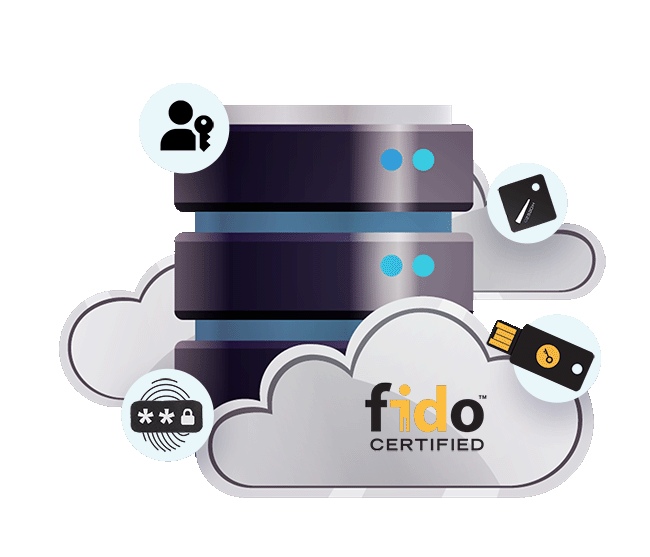
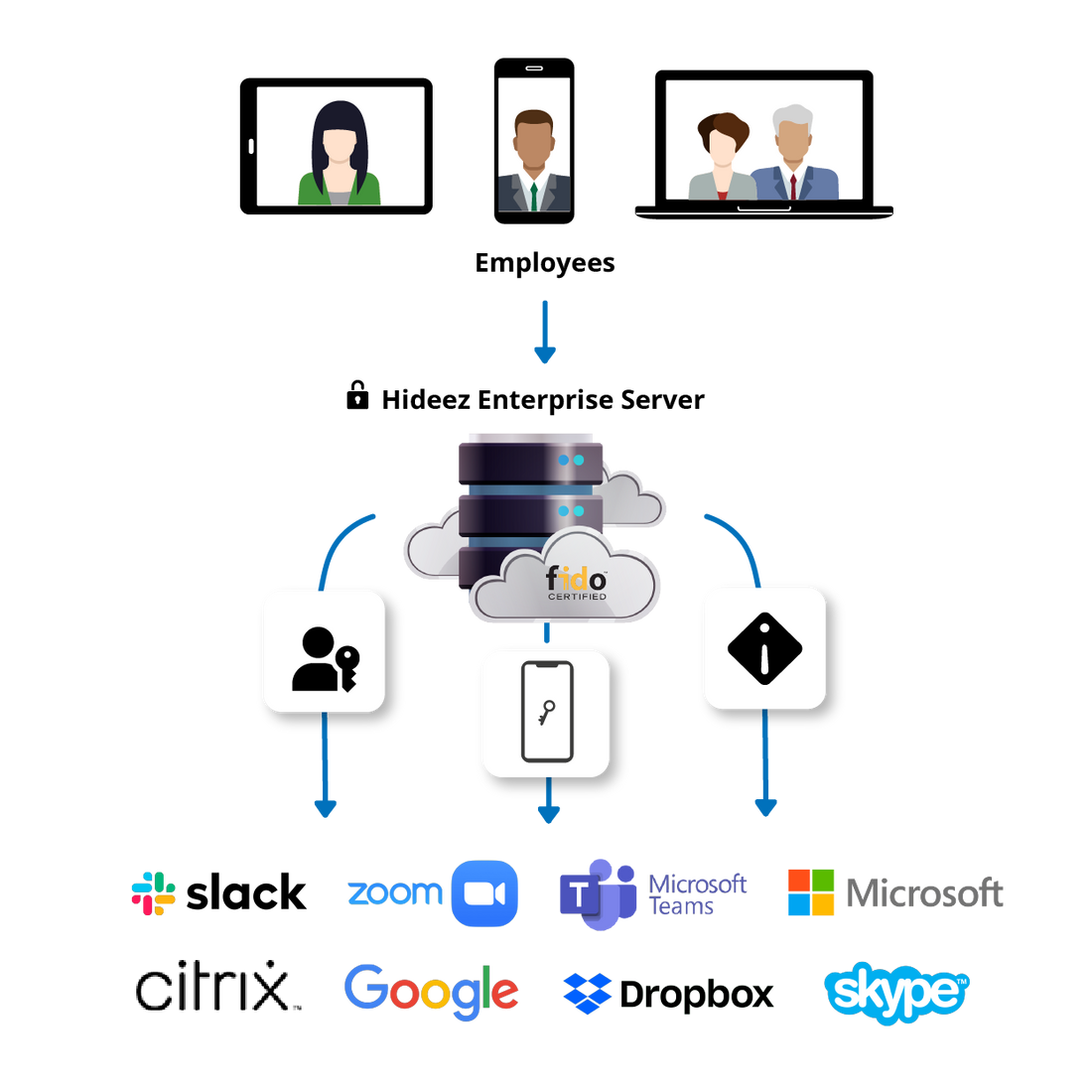
Secure workforce access with MFA
Multi-factor authentication secures access with independent checks.
- Require more than a stolen password to open protected resources.
- Give staff individual authentication on shared devices instead of relying on a shared secret.
- Reduce manual password entry with methods suited to frontline and office teams.
- Support security assessments with authentication controls and access records.
What is multi-factor authentication?
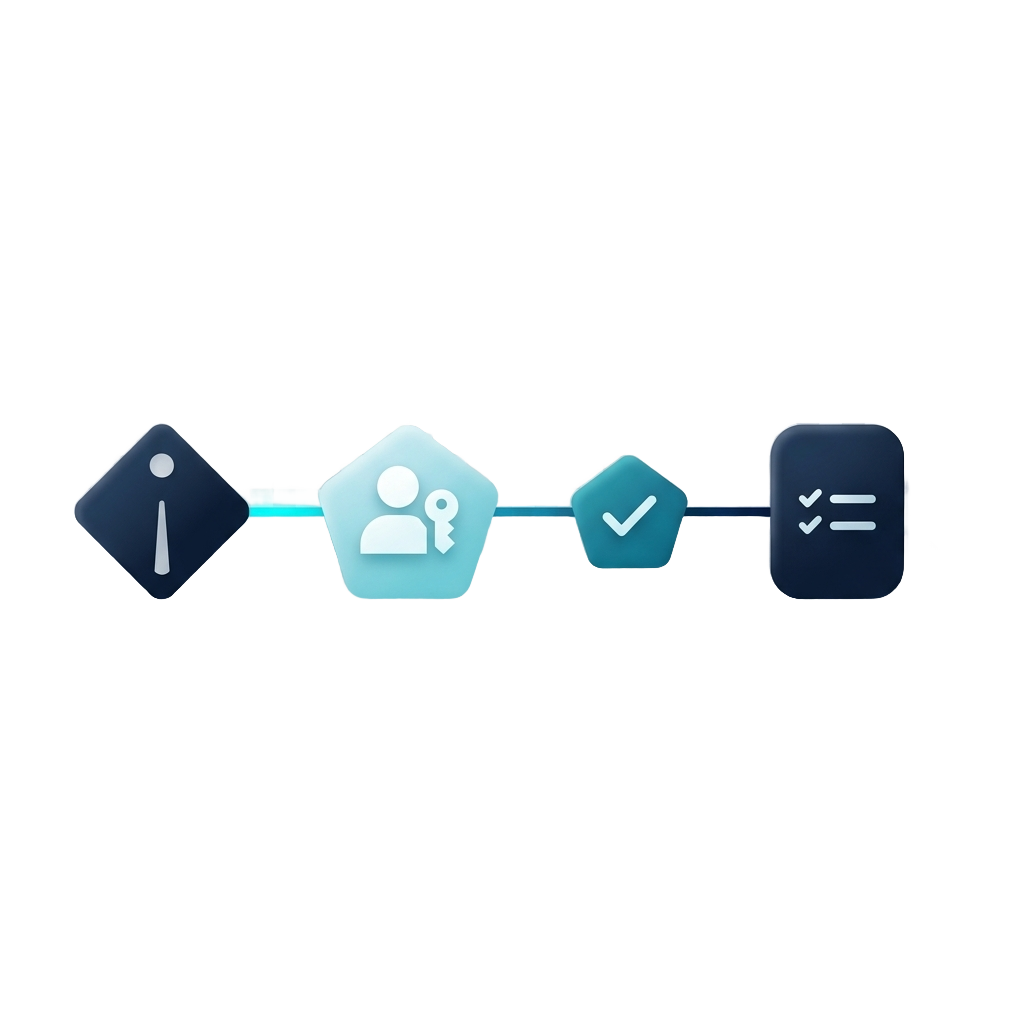
Multi-factor authentication verifies a user's identity through at least two distinct factor types. These can include something an employee knows, such as a PIN, something they possess, such as a security key or enrolled phone, and something they are, such as a fingerprint. Combining two passwords or a password and a security question does not meet MFA requirements because both rely on knowledge. Access is granted only after the required factors are successfully verified, adding protection against compromised credentials.

How does MFA work?
An MFA solution begins by registering an approved authenticator, such as a security key or mobile device, to an employee's account. When the employee signs in, the system applies the organization's access policy and requests the required factors. The authenticator then confirms possession and, where required, a PIN or biometric check. The system validates the authentication response before granting access. Depending on the method, this can happen without entering a password.
What can you secure with Hideez MFA?

Desktop MFA
Add multi-factor authentication to supported Windows sign-ins using an enrolled authenticator and required user verification.

Enterprise applications and SSO
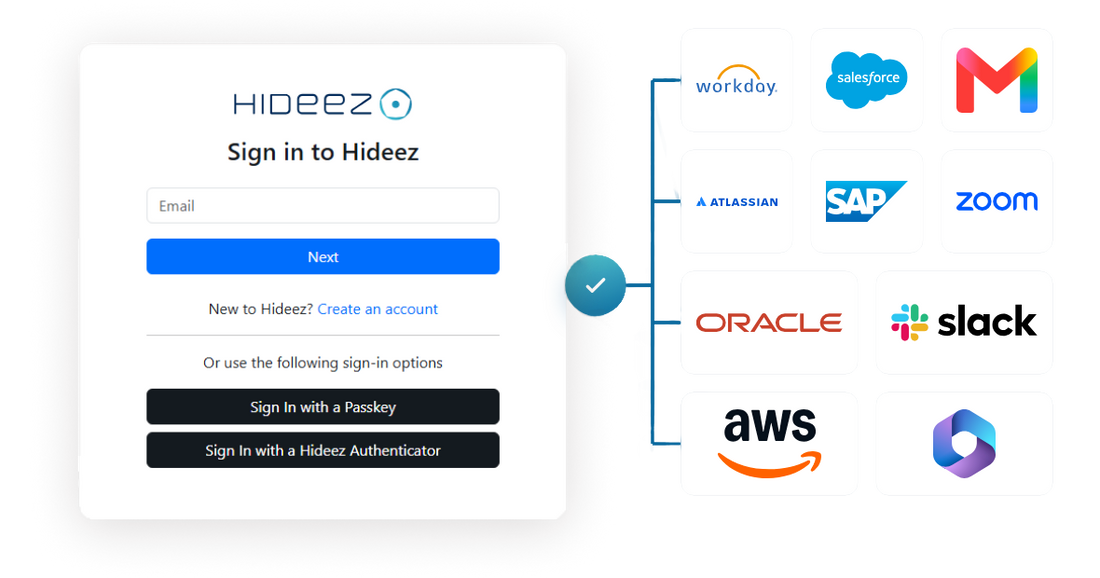
Use an MFA solution with SAML or OIDC applications. Employees authenticate to the identity provider, then open authorized services through SSO.

Legacy application access
Extend a multi-factor authentication solution to compatible legacy web apps through Hideez AuthShield, which submits application credentials server-side.

Shared workstations
Use MFA software to identify employees signing in to shared Windows PCs. Set handover and locking policies for shift changes and unattended stations.

Offline workstation authentication
Keep configured Windows authentication available offline with Hideez Key or Hideez Authenticator. Validate offline factors, recovery, and policy requirements in advance.
Discover the Hideez MFA methods

FIDO2 security key
Choose Hideez Key or a compatible FIDO2 key for an MFA solution that combines hardware possession with a PIN or supported biometric verification.
LEARN MORE
Mobile authenticator app
Hideez Authenticator supports MFA for Windows and integrated applications on an enrolled phone. QR and NFC workstation flows reduce typing. App PIN or biometric protection helps verify the person using the device.
LEARN MORE
Passkeys
Passkeys bring multi-factor authentication to supported services when device possession is combined with local user verification. Credentials use public-key cryptography. Private-key operations remain within the authenticator.
LEARN MORE
Biometric authentication
Windows Hello and compatible passkeys let employees verify locally with a fingerprint or face recognition. In MFA, biometrics activate a possession-based authenticator. A fingerprint alone is one factor.

OTP and TOTP authentication
A multi-factor authentication solution can pair a password with a one-time code. Hideez Authenticator and managed Hideez Key configurations support TOTP. Codes remain vulnerable to phishing.
Passwordless MFA for a better employee experience
Give employees an MFA solution suited to daily tasks. Offer a portable key for shared PCs or an enrolled phone where mobile use is permitted. Passwordless access reduces typing and forgotten-password interruptions. With SSO, staff can move between connected applications without starting a new login each time.
Advanced MFA security against modern cyberattacks

Phishing-resistant MFA
For phishing-resistant multi-factor authentication, choose FIDO2/WebAuthn with user verification. Apply that choice to enrollment and fallback policies too, so a weaker recovery route does not reopen the password-based attack path.

MFA fatigue and authentication abuse
FIDO2 flows do not rely on repeated push approvals that an attacker can bombard. Keep authenticator registration and recovery under administrative control, and train employees to report sign-in requests they did not initiate.

Adversary-in-the-middle (AiTM) attack protection
WebAuthn binds authentication to the legitimate service, preventing a fake-domain proxy from relaying a valid response to the real site. Endpoint compromise and stolen sessions require separate controls after sign-in.

Credential theft and password-based attacks
MFA limits attacks based on reused or guessed passwords. Passwordless FIDO2 also removes the reusable password from that login. Protect legacy credentials and review exceptions as applications change.






Why choose Hideez for workforce MFA?
Build your multi-factor authentication solution around the environments your team already operates.
- Central administration. Manage users, authenticators, approved workstations, and login records through Hideez Enterprise Server. Send supported audit data to your SIEM.
- Deployment choice. Run on premises, in a dedicated private cloud, or in the Hideez cloud according to your infrastructure requirements.
- Practical validation. Use a proof of concept to test application compatibility, employee enrollment, lost-device recovery, and daily workflows.
Get started with Hideez MFA
Find the right MFA solution for your workforce. Share your applications, workstation types, and MFA requirements with Hideez to plan a deployment that fits your team.
Frequently asked questions about MFA
What is a 2FA solution?
A 2FA product is a tool that enforces two different factor types at sign-in. It connects an application to enrolled authenticators and verification policies.
What is the difference between MFA and 2FA?
2FA specifies exactly two factors. MFA means two or more. Two steps are not necessarily two factors. A password followed by a security question still checks knowledge.
Is passwordless authentication a form of MFA?
It can be. A passkey with required PIN or biometric verification combines possession with another factor. A passwordless sign-in counts as MFA only when it verifies distinct factor types.
Which MFA methods are resistant to phishing?
FIDO2/WebAuthn passkeys and security keys provide phishing-resistant authentication. Passwords with SMS or TOTP codes do not provide the same protection against fake-site or real-time relay attacks.
Can businesses use MFA without smartphones?
Yes. Employees can use FIDO2 hardware keys with PIN verification or supported platform authenticators. Hardware keys suit phone-restricted workplaces and staff who cannot use a personal device for work.