

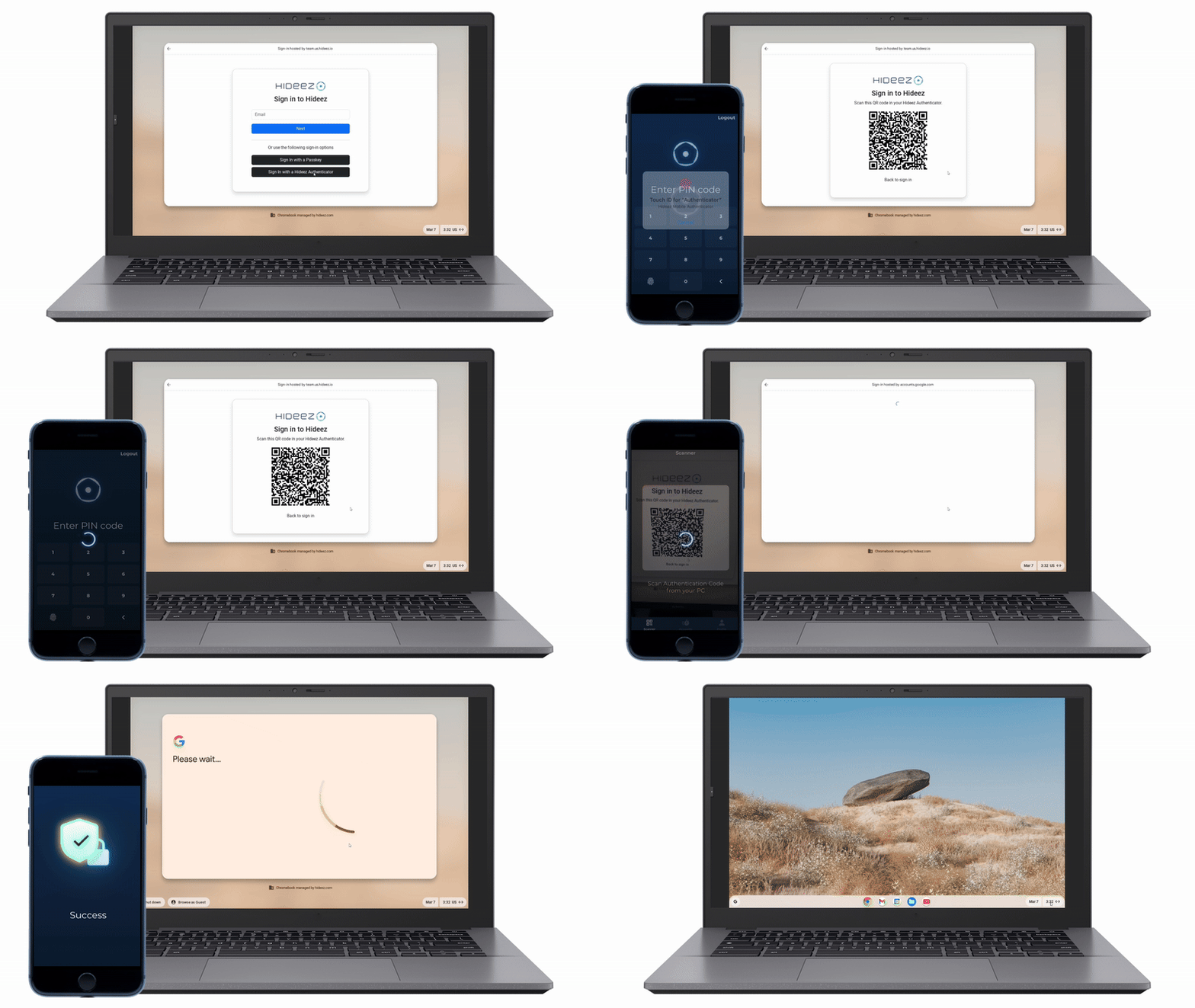
Discover the variety of authentication scenarios

універсальний IAM tool
Hideez Workforce Identity helps IT admins manage accounts and access privileges of workers 100% remotely. Employees can use Hideez Authenticator as their primary or secondary authentication method in addition to passkeys or hardware security tokens.

Вхід і вихід з ПК на основі близькості користувача
The proximity login and logoff feature automatically disables access to your PC when you walk away. Be sure that your information and projects are safe when you leave your workplace. Use Hideez Authenticator to lock and unlock workstations in seconds.

Безпарольний Single Sign-On
Experience phishing-resistant passwordless logins and two-factor authentication across your accounts. Hideez Authenticator is supported by Google, Facebook, Microsoft, Dropbox, Twitter, and hundreds of other Сервіси з підтримкою FIDO.
Просте налаштування та мультифункціональність
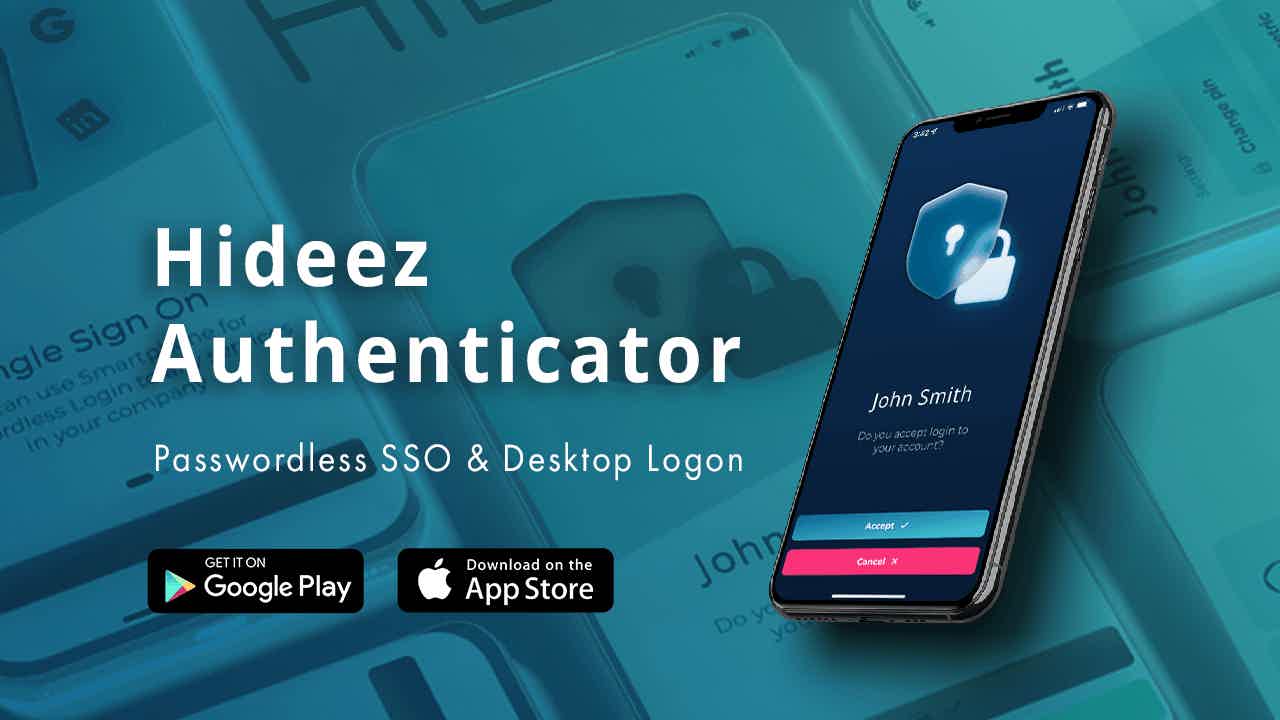

Step 1. Intall the app from the App store or Google Play
Step 2. Створіть безкоштовний admin account на Hideez Server
Step 3. Скануйте QR-код із сервера, щоб підключити застосунок
Крок 4. Install the Hideez Client software on your Windows PC
Крок 5. Choose Enterprise version
Крок 6. Configure proximity-based login/logout and password-based authentication
Основні функції
Безпарольна автентифікація
FIDO-автентифікація усуває традиційні ризики використання звичайних паролів і SMS-базованої 2FA, замінюючи їх стандартами безпарольного доступу FIDO U2F та FIDO2. Вона захищає від поширених атак на облікові дані, зокрема phishing та man-in-the-middle.
Вхід і Вихід за близькістю
Користуйтеся безконтактним входом у ПК, щоб уникнути ризику підглядання через плече. Hideez Authenticator забезпечує захищену й швидку автентифікацію: комп’ютер розблокується, коли користувач наближається, і блокується, коли він відходить.
support for the Highest Security Standards

FIDO U2F (Level 1) Certified

FIDO2 (Level 1) Certified

Citrix-Ready Solution

Microsoft-approved
FIDO2 ключів для Microsoft

Meets NIST
Password Guidelines

Відповідає HIPAA